Online member list is chaotic in sufficiently populated servers

This problem is specifically in regards to the Discord Town Hall, but can apply to any sufficiently populated server. The Town Hall server has about 70,000 members. Unless you're at the very top of the hierarchy, it's impossible to find yourself in that list. I want to see what roles I have on myself, but there are so many members logging in and logging out that the member list becomes a blizzard of images and text that you can't click on or slow down. It also causes the member list to glitch and even the Discord client itself to crash (both literally happened as I was typing this). This provides a horrendous user experience. This is a screen capture I took of the problem: https://drive.proton.me/urls/66A6H9YA9W#CXiqBNKen1f2 (mp4).
Here is my feature request:
1) A member of a server should be able to see what roles they have in that server without having to go fishing in the member list or by some other inefficient/ineffective means. This could be achieved by either:
- Adding current server information to the user profile button at the bottom-left (desktop)/bottom-right (mobile)

- Showing one's current roles in the "Channels & Roles" section if a server has that enabled

- Hoisting one's own profile image/text in the online members panel to the top so that it's available for clicking (only the member can see themselves hoisted)
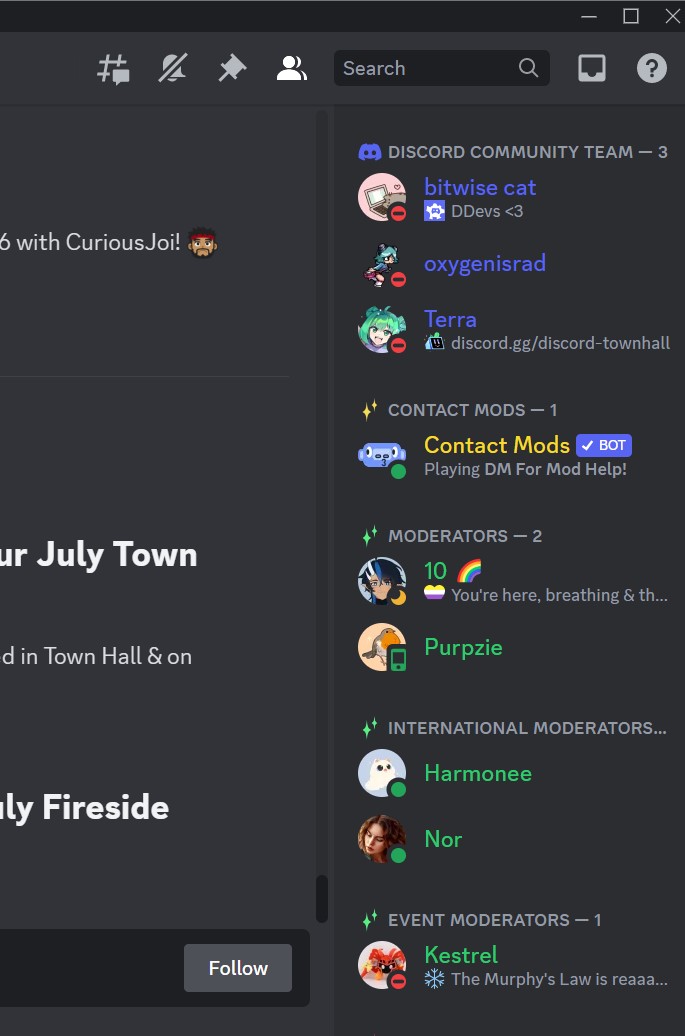
It would also be nice to solve the blizzard of images/text issue, but maybe that's a server mod issue, not sure.
Bitte melden Sie sich an, um einen Kommentar zu hinterlassen.
Kommentare
0 Kommentare