Touchscreen Keyboard Improvements on Windows 10/11

Currently whenever you switch channel or server or DM, or wherever there is an option to type anything, it instantly opens the touchscreen keyboard that Windows 10/11 offers. This is super frustrating if I just want to check through some channels and read what's going on without typing anything.
Improving this so that it only pops up when I tap on the "Message" bar would improve the useability a ton when on a touchscreen Windows device.
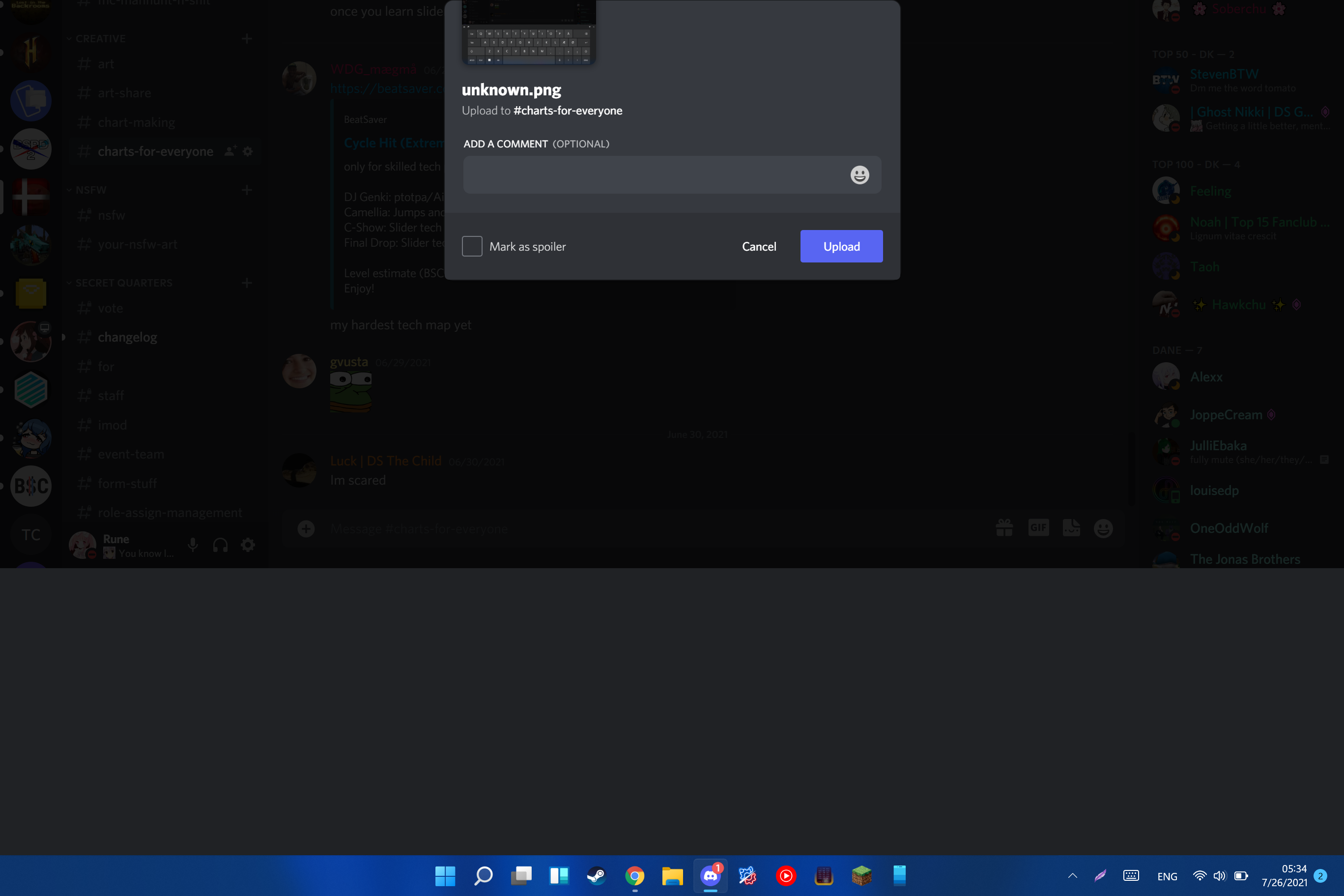
Along with this, Discord doesn't really scale well after the keyboard opens up. Every option at the top of the program disappears, and whenever I copy-paste an image into Discord to send it, half of that is offscreen.
(See attachment screenshot below)
The last issue, which might be because of Windows and not y'all, sometimes when the keyboard closes the area where it just was, remains grey and it never goes back to default.
(See attachment screenshot below)
Everything else feels great tho so massive thumbs up on that!
-

Exactly this. I made a support ticket and they basically told me "it's supposed to be that way, even if it's weird." It's terrible user interface design and makes discord a royal pain to use while I'm drawing, because even though I have an external keyboard connected, it sees I'm in touch mode and relentlessly throws the stupid touch keyboard in my face. I opened a ticket with Microsoft to see about making the touch keyboard settings firmer like in Windows 10, because to get around Discord's terrible interface then, I just told it not to show the touch keyboard at all except with the manual button. Windows 11 doesn't seem to have that option.
Makes me want to investigate ways to ban Discord from being able to call the Windows touch keyboard API at all, if that's possible.
0
Comments
1 comment