Discord has a red bg or highlight in taskbar (win 11)

I just upgraded to windows 11, and I have noticed that discord now has a red background/highlight thingy....
In my research, I found out that this is the apps "I need attention" .
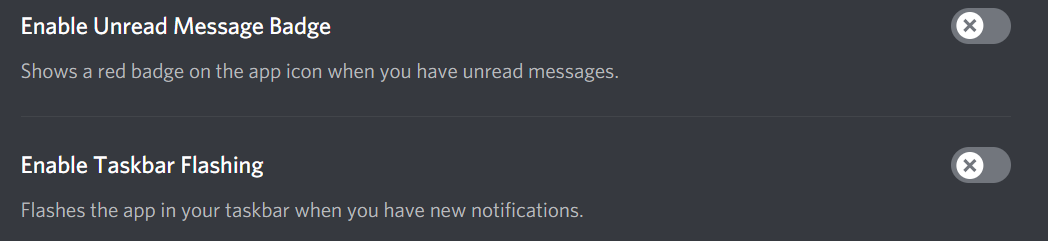
Now how do I get rid of it? I have already mark every message as read, disabled "enable unread message badge" and "enable taskbar flashing", but the red highlight is still there, I tried restarting too, but no success. Please, any info would be amazing

0
-

Seconding this post, have not been able to find a setting that disables the red badge
0
Comments
1 comment