Adjust video player embed when text area is thin

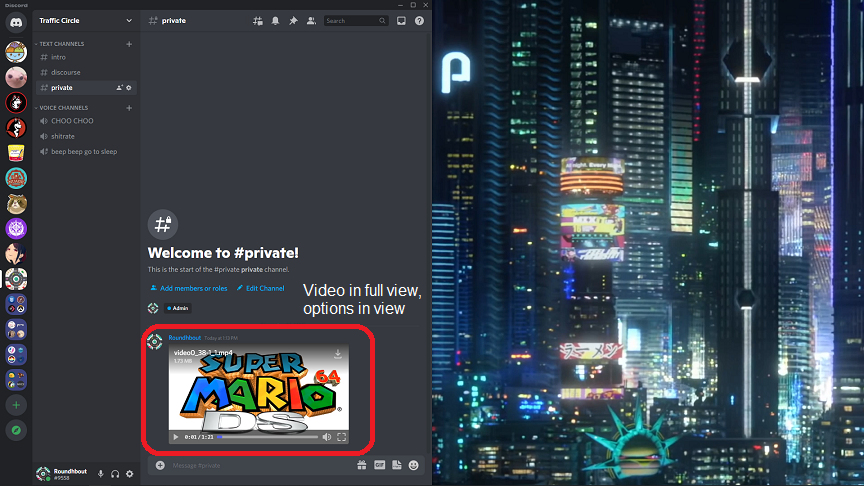
When viewing an embedded video (either through a file upload or a site that can embed videos such as fxtwitter) and discord is thin (taking up half of a 1920x1080) screen and member list is open, the embed hides the right side of the video, clipping it, as well as access to the volume and full screen options. this gets resolved when hiding the member list or increasing the window size, but I (and I'm assuming I'm not the only one) have discord taking up half of a second monitor. If the video player could be resized based on the amount of text-channel area so that the whole video is viewable (and all the options too) that would be great. Example images below
1. Discord Half screen, member list visible
2. Discord Half Screen, member list hidden
Please sign in to leave a comment.
Comments
0 comments