Image Collage

While this behaviour exists inside the client already, it has only worked for the same image (hosted on imgur, trying it with the native asset (actual) results in a 404 - or Error 1101 by Cloudflare standards for Worker exception) with different url endings. By adding a non compliant character like % or ', Discord accepts that as a new image, but imgur still sees the same one by how their internal process works. Using this method, I was able to get a collage of 4 images (listed below).
Image used from Discord branding (located here).
https://i.imgur.com/uoPvV6c.png
https://i.imgur.com/uoPvV6c.png
https://i.imgur.com/uoPvV6c.png%1
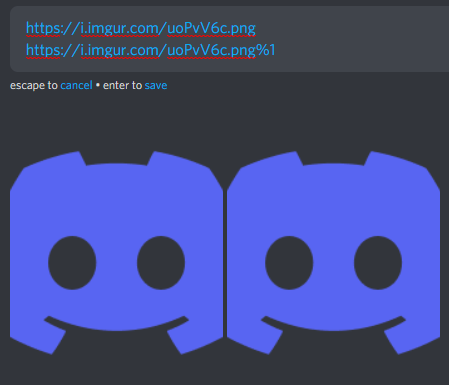
https://i.imgur.com/uoPvV6c.png
https://i.imgur.com/uoPvV6c.png%1
https://i.imgur.com/uoPvV6c.png%2
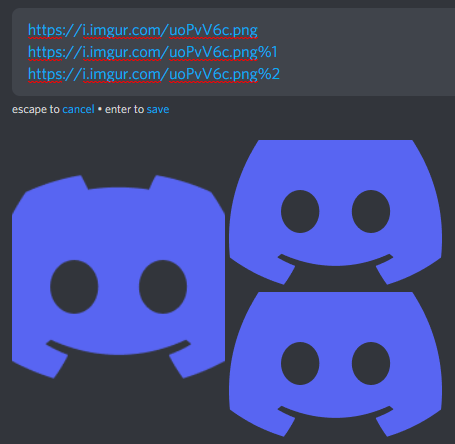
https://i.imgur.com/uoPvV6c.png
https://i.imgur.com/uoPvV6c.png%1
https://i.imgur.com/uoPvV6c.png%2
https://i.imgur.com/uoPvV6c.png%3
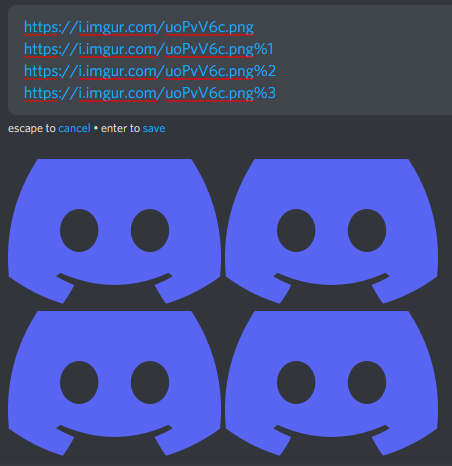
1
कृपया टिप्पणी करने के लिए साइन इन करें करें.
टिप्पणियां
0 टिप्पणियां