[Bug] Pop-Out Video Window Unable To Pause Display Share

Issue Description
When popping out the video feed for multiple live participants, I'm unable to pause my own feed if I'm using monitor capture (not application). This is causing a stream loop and hindering CPU usage. The main application will pause the preview feed just fine.
Steps To Reproduce The Issue
- Including yourself, have a minimum of 3 live participants
- Pop out the live feed of the other participants from the main Discord app
- Disable "Show Non-Video Participants"
- Un-focus the pop-out window (click anywhere on your screen other than the pop-out window)
What's The Expected Result?
The user's preview video feed should be paused (automatically or manually).
What's The Actual Result?
The user's preview video feed is still previewing.
Example Screenshot With My Feed At The Bottom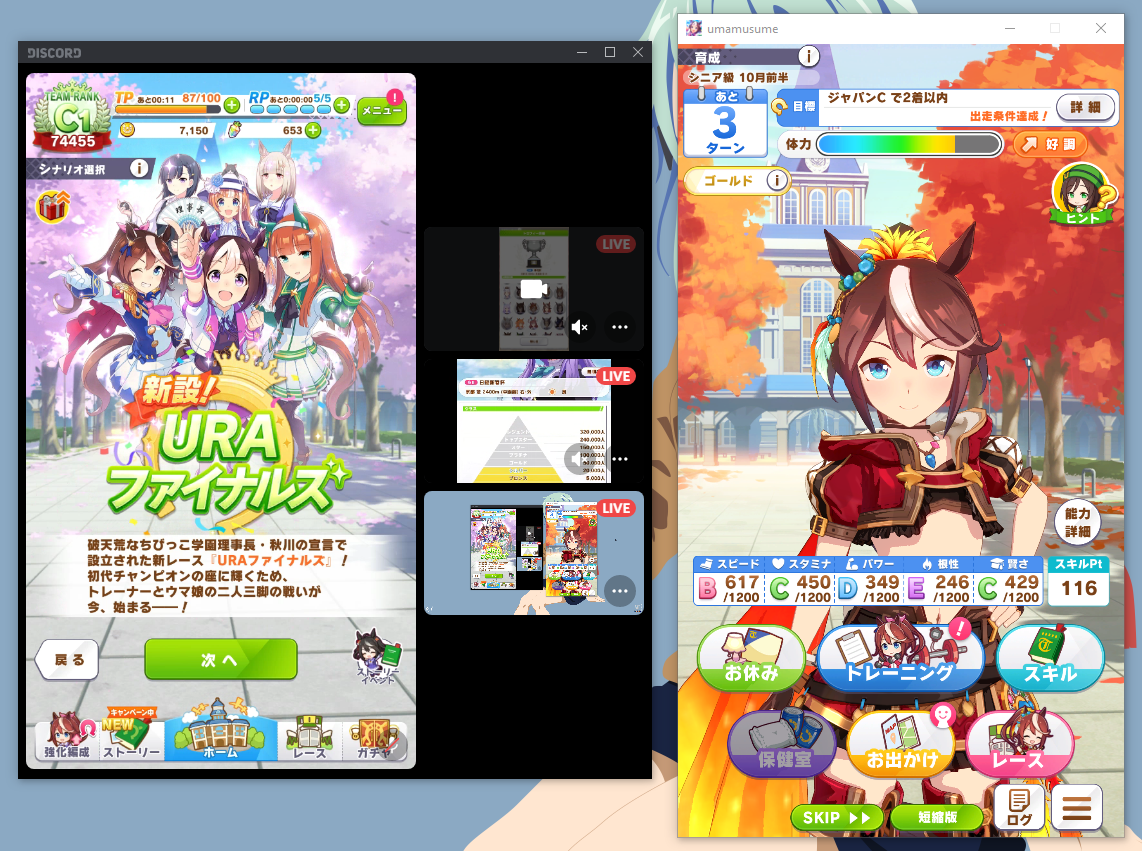
0
-

I'm having this same issue.... Did you ever figure out a fix for this? Or did you just stop popping the streams out?
0
Accedi per aggiungere un commento.
Commenti
1 commento