Can’t log in on iPad: requires auth/backup code but accepts only numbers

I’m trying to add Discord to my iPad. After entering my username and password, I am stuck at a screen that says “enter discord auth/backup code” and has 6 entry boxes that accept only numbers.
I have my auth/backup codes, but they are 8-character codes that include letters. This screen will not accept them. I have 2FA on my accpunt, but have received no text message or email.
This looks like a bug to me, and I am stuck. Anybody have any ideas?
0
-

Hey, Joe.
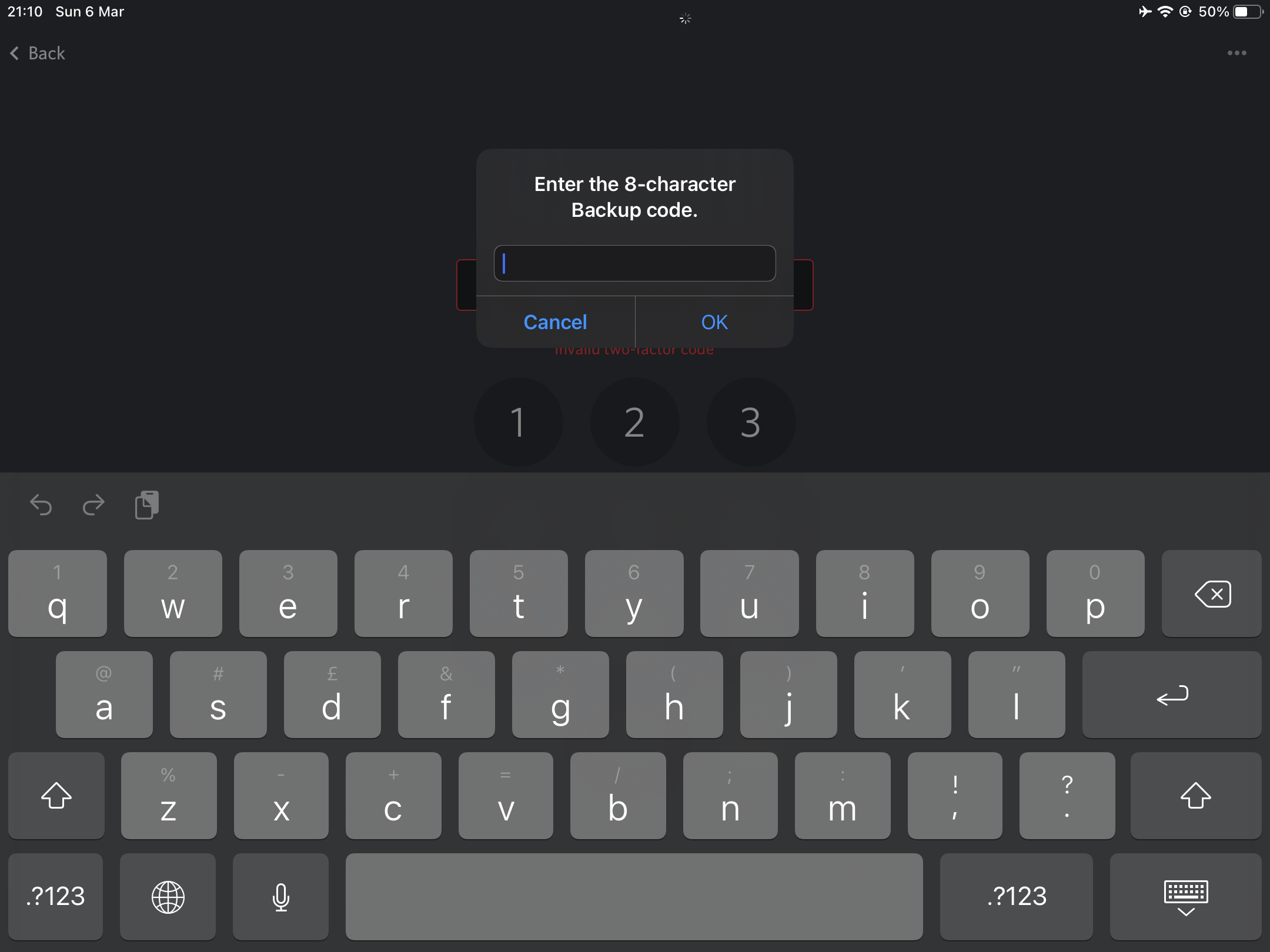
I was stuck at this as well, but there's a way in ;)
1. Click on the Menu dots at the top right corner of the screen.
2. At the bottom of your screen, you should get a popup, saying "Backup Codes" - tap on it.
3. You should be presented with the full keyboard and the box to type in the code.
Hope this helped!


 0
0 -
No need actually just create new account or get life
-1
サインインしてコメントを残してください。
コメント
2件のコメント