New Appearance accessibility issue! (Reposted from Help request)

In the recent update to the [Desktop] app, Discord made some changes to the Appearance of the app, and that was absolutely fine by me. I like the more accessible bolder and brighter and maybe bigger? text. I'm not sure what else has been done yet, that I've seen, but I'm sure it's great.
My only issue with this is that, I have memory issues, and don't trust the archiving capacities of most social interaction applications, so I often copy/paste my conversations into another format, and since whatever you've done to the Appearance, my Dark mode text no longer pastes in the same format: white/silver/blue on black. It posts the entire conversation black on black, which makes reviewing it entirely *in*accessible.
If there's a way to fix that, would you, please? I greatly enjoy this application, but I really need to be able to paste in the exact dark background/colored text, so that I can read my own text back. I don't have the energy to go through and re-color long pages of conversations.
Attachment(s)
Screenshot at Sep 10 05-00-06.png
Screenshot at Sep 10 05-01-08.png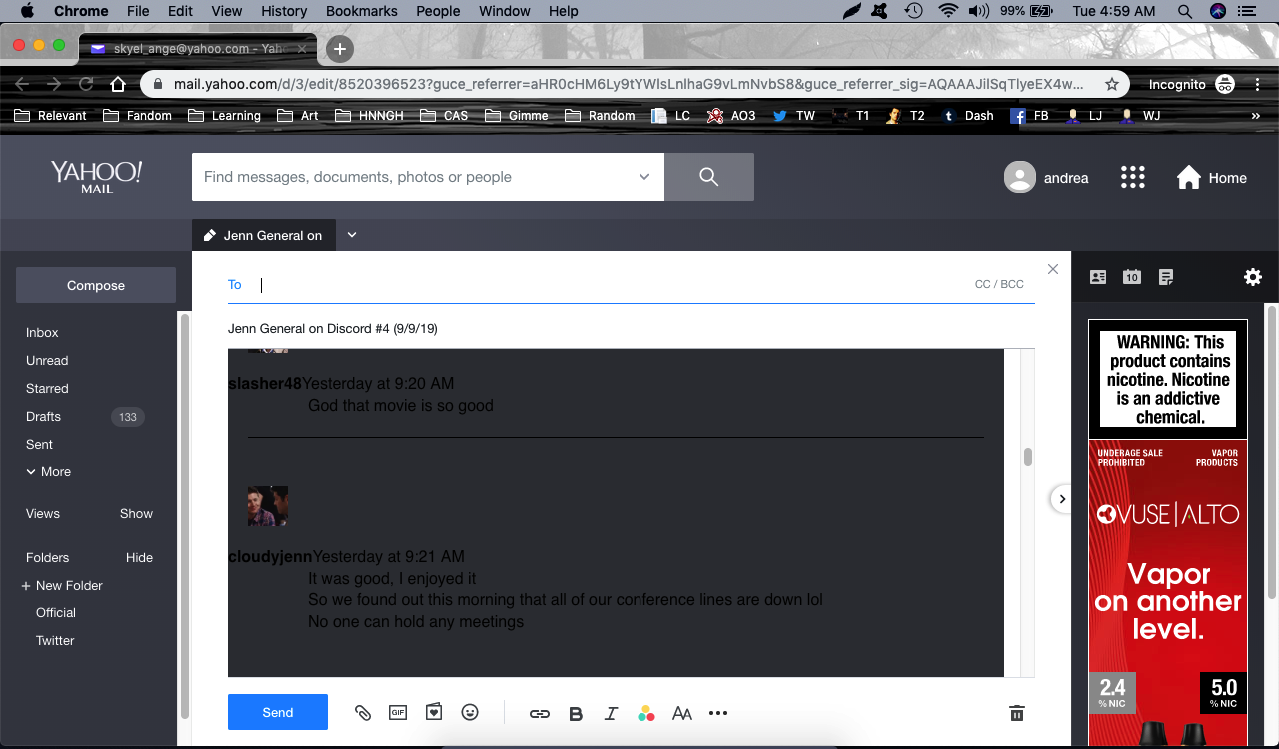
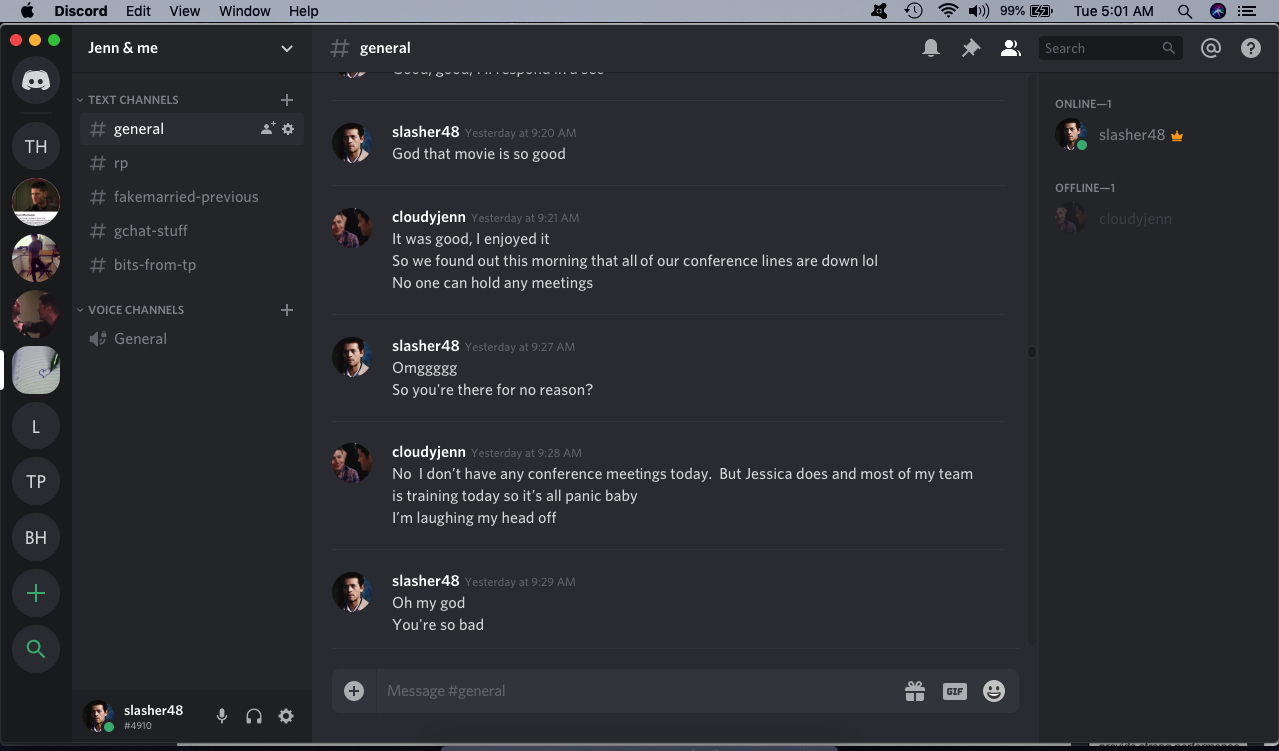
-
The recent change, from what I can tell, is so that instead of pasting black on black, it pastes black on white?
That isn't what I asked for. I wanted it to paste the way it is in the chat window.
Hopefully they can fix this.
0
U moet u aanmelden om een opmerking te plaatsen.
Opmerkingen
1 opmerking