
Were you whisked away on a magical journey just as you signed up for Discord? Were you called to duty just as the verification email sent, and now it has expired, leaving no hope for the living? Have no fear. We have instilled within you the power to resend said verification email, and all you need to do is tap this giant well of potential.
このページでわかること:
メールを再送信する方法
認証メールを自分に再送信したい場合は、Discordのブラウザ版クライアント、デスクトップアプリ、モバイルアプリから再送信できます。
ブラウザ/デスクトップ
1. Discordクライアントの左下にあるユーザー名の隣の歯車を押して、ユーザー設定を開きます。
2. You'll see a yellow box at the top of your My Account tab in the User Settings page. The words "Resend Verification Email" will be bolded, and clicking them will resend the email! このボタンを押して、メールを再送信します。
3. Just click on the verification link in the email, and you'll be all taken care of.
モバイル
1. 右下隅にあるアバターをタップして、ユーザー設定にアクセスします。
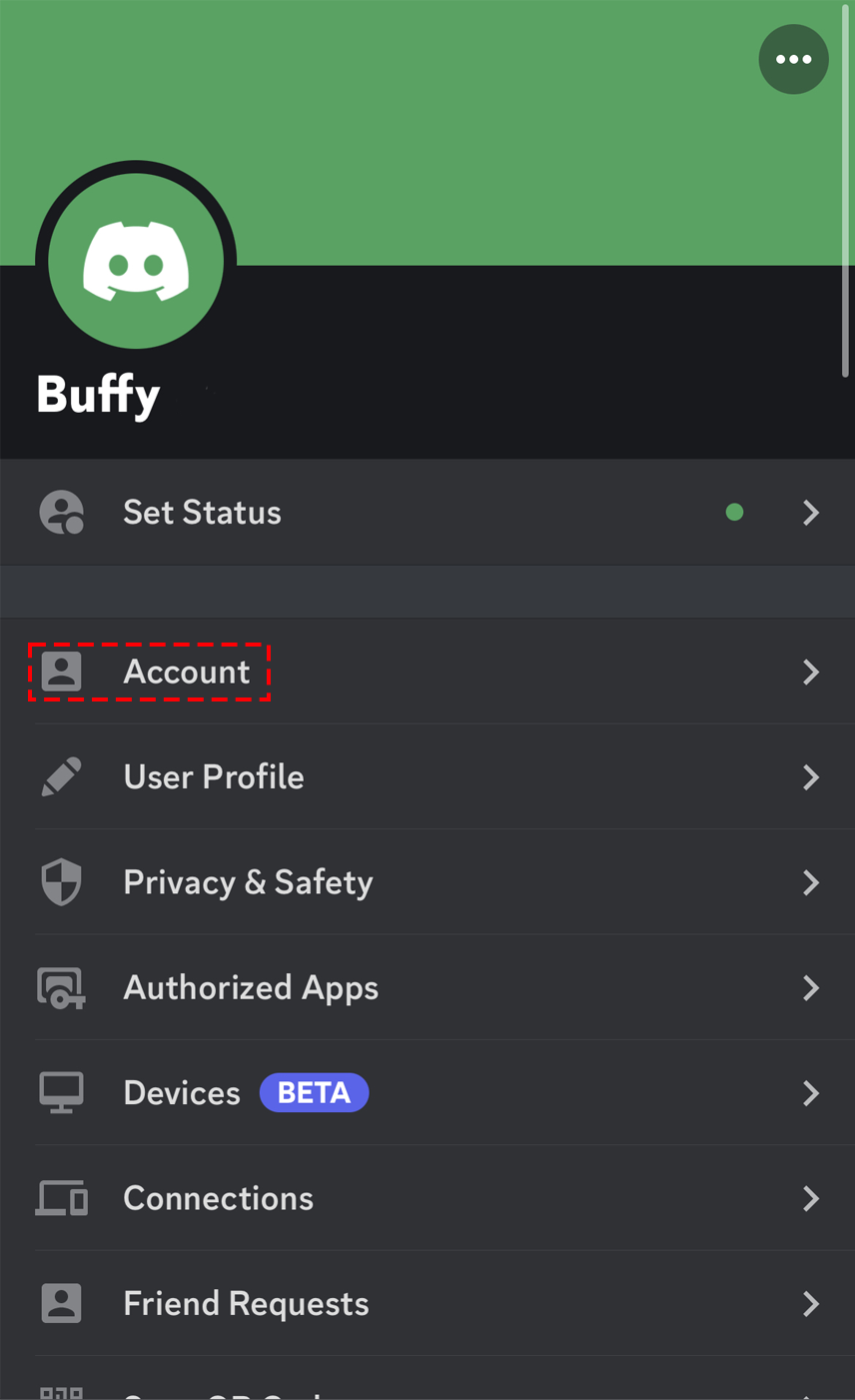
2. ユーザー設定が開いたら、「アカウント」というOptionをタップします。
3. 次に、最上部の「認証」バナーをタップして、認証メールを再送信します。
4. さあ、受け取った認証メールアドレスの手順に従ってください!
メールが届きませんか?
受信トレイにメールが表示されない場合は、以下のメールアドレスを許可リストに追加してみてください。
- notifications@discord.com
- support@discord.com
- noreply@discord.com
メールアドレスを許可リストに追加したら、できれば別のデバイスからもう一度認証メールをリクエストします。 モバイルデバイスでリクエストする場合は、データを使用してメールが届くか試します。